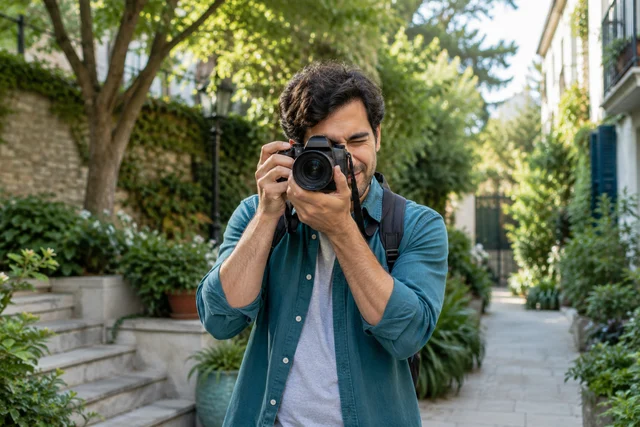
What is Flickr for?
Present a photographic series, document a project and exchange with people who practise photography. Before publishing, review rights, identifiable people and location metadata that may be embedded in the file.
What is Flickr?
Flickr is a community centred on photography. Members publish images, organise them into albums, describe them with tags and take part in topic-based groups.
What makes the service distinctive
Flickr suits people who want a visible, documented photo library connected to a photography community. It is less focused on very short-lived formats.
A practical first step
Prepare a coherent series with descriptive titles and check visibility, location metadata and the licence of each photo.
Decision signals
- Typical visibility
- Public, contacts or private depending on settings
- Main discovery route
- Search, tags, groups and recommendations
- Publishing effort
- Regular
- Particularly suited to
- Photo portfolios and photographer communities
Use these signals as a starting point rather than a score. Flickr may work differently by country, account type and app version.
How it works
Flickr focuses on sharing and organising photos using albums, comments, notes and tags.
Official source for this point ↗ · Consulted 2 October 2026; this check covers this specific point.
Compare Flickr with VSCO
Flickr emphasises albums, galleries and photographer groups; VSCO combines photography with creation and sharing tools.
Question to ask : Do you mainly want to organise a collection or develop a visual style through your work?
Frequently asked questions about Flickr
What should I understand before choosing?
Flickr focuses on sharing and organising photos using albums, comments, notes and tags.
How can I try a practical use?
Prepare a coherent series with descriptive titles and check visibility, location metadata and the licence of each photo.
Where can I check a feature or find help?
Read the official reference ↗. For account recovery, use the service’s help centre, never a profile asking for your codes. Reference directory.
Key consideration
Before publishing, review rights, identifiable people and location metadata that may be embedded in the file.
Explore this choice
Sources and verification
This profile separates factual service description from editorial advice. Features, terms and settings may vary by country, age, account type and app version.
- Flickr — official overview ↗
- Flickr — help centre ↗
- About & methodology
- Report information to correct
- Flickr — reference for the operating detail ↗
Move to a practical method
These methods complement this profile for the work you want to do. Available features and service conditions should still be checked in current help.
Limits and criteria for your trial
To document a photographic series, organise an album with titles, relevant dates and credits. Check each photo’s rights before downloading it for reuse; a visible album is not necessarily openly licensed.