
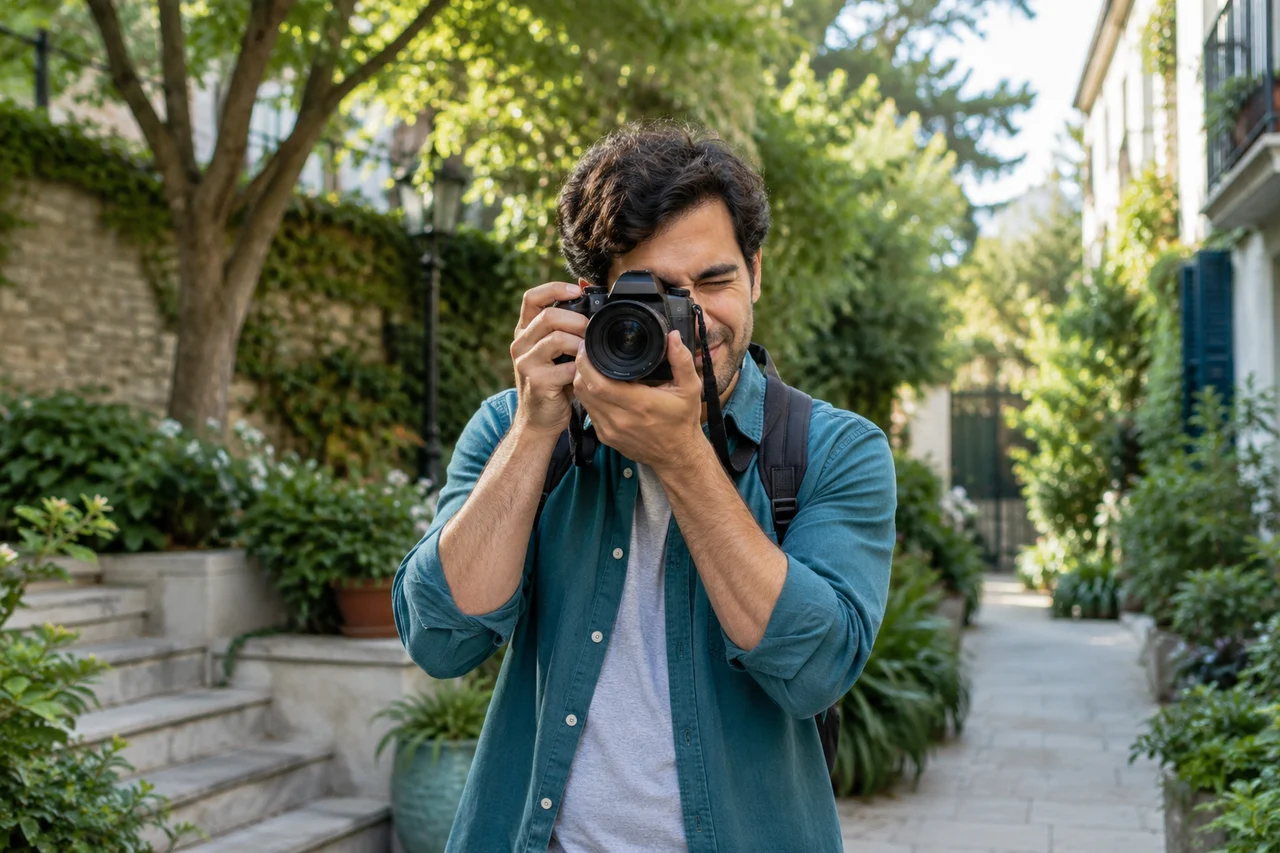
1. Ask before posting
Explain where the photo will appear, who can see it and whether it may be shared again. Someone may welcome a photo in a small group but not on an open profile.
Take extra care with children and review the rules that apply where you live. If someone is unsure or declines, choose another image or remove their likeness.
2. Look beyond faces
An address, badge, vehicle plate, timetable or a child’s location may appear in the background. Crop the image and review the details before posting.
Location metadata is only one clue: the setting and caption can also identify a place. Do not promise that later deletion will remove every copy.
3. Describe and credit the image
Write alternative text that conveys the useful information to people who cannot see the image. If a photographer credit or licence is needed, show it clearly near the post.
Avoid descriptions that infer personal traits or identify someone without a reason. A caption should add context without revealing more private information.
4. Plan for a removal request
Tell people whom to contact for a correction or removal. Respond promptly and check copies on your other accounts too.
A team or association can keep a simple process: who approves a photo, where agreement is recorded and who handles requests.
Put this guide into practice
Show the person the chosen photo, context, audience and possible reposting. Agreement to be photographed does not necessarily cover every publication use.
How to assess the result
You can explain the agreed uses and remove the post if a correction becomes necessary.
Editorial exercise; adapt it to your situation and keep sensitive details out of your notes.
Checklist
- Ask before posting identifiable people
- Take extra care with children
- Crop sensitive background details
- Review audience and tags
- Add useful alt text and credits
Frequently asked questions
Is a private group enough?
A limited group reduces the audience but cannot guarantee that nobody will copy or reshare the image.
What if someone changes their mind?
Listen to the request, remove posts you control and explain where other copies may remain.
A concrete example
Situation. After a workshop, an organiser wants to post photos. She checks not only faces but also badges, screens, addresses and other details in the background.
How to try it. She asks identifiable people for permission, selects an image that serves the story and describes what it adds. She provides a simple route to request removal or correction.
What to check next. Before uploading, she reviews location and other file metadata when relevant, then checks how the post actually appears.
Sources & method
Editorial guidance based on the public resources below. Settings and procedures change; check the current instructions of the relevant service.
Related methods
A question before putting this into practice
What if someone later asks for a photograph to be removed?
Find where you published it and remove or replace versions you control. Respond to the person and inform owners of other known posts. Before the next publication, plan an alternative crop or image that does not identify participants who prefer not to appear.