
Real photographs and AI-generated illustrations

AI-generated illustrations depict fictional scenes. The documentary photograph below is real; its author, date, source and licence are listed separately.
One photograph per content item
Platform profiles and cards use authentic service logos. Photographs illustrate guides, topic pages, tools, the glossary, comparisons and the home page; they do not show identified real customers, providers or users. Excerpts in a topic or category link to the illustrated guide.
Register of 75 photographs
- Two organisers preparing event registrations
WORLD SOCIAL NETWORKS · 2026-10-12 · Fictional AI-generated scene
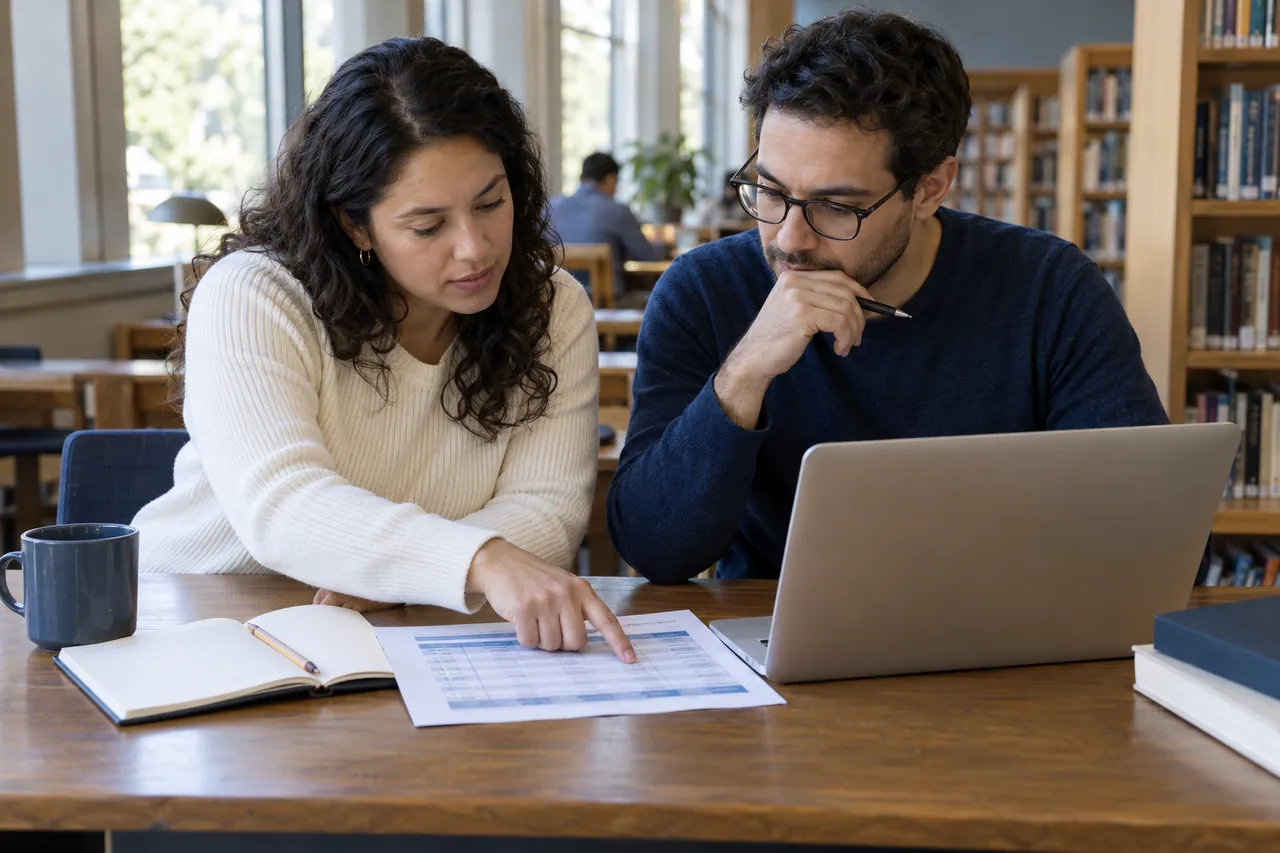
Illustrated guide · File - Two people reviewing a printed data table
WORLD SOCIAL NETWORKS · 2026-10-12 · Fictional AI-generated scene
Illustrated guide · File - Two people comparing options on tablets
WORLD SOCIAL NETWORKS · 2026-10-11 · Fictional AI-generated scene
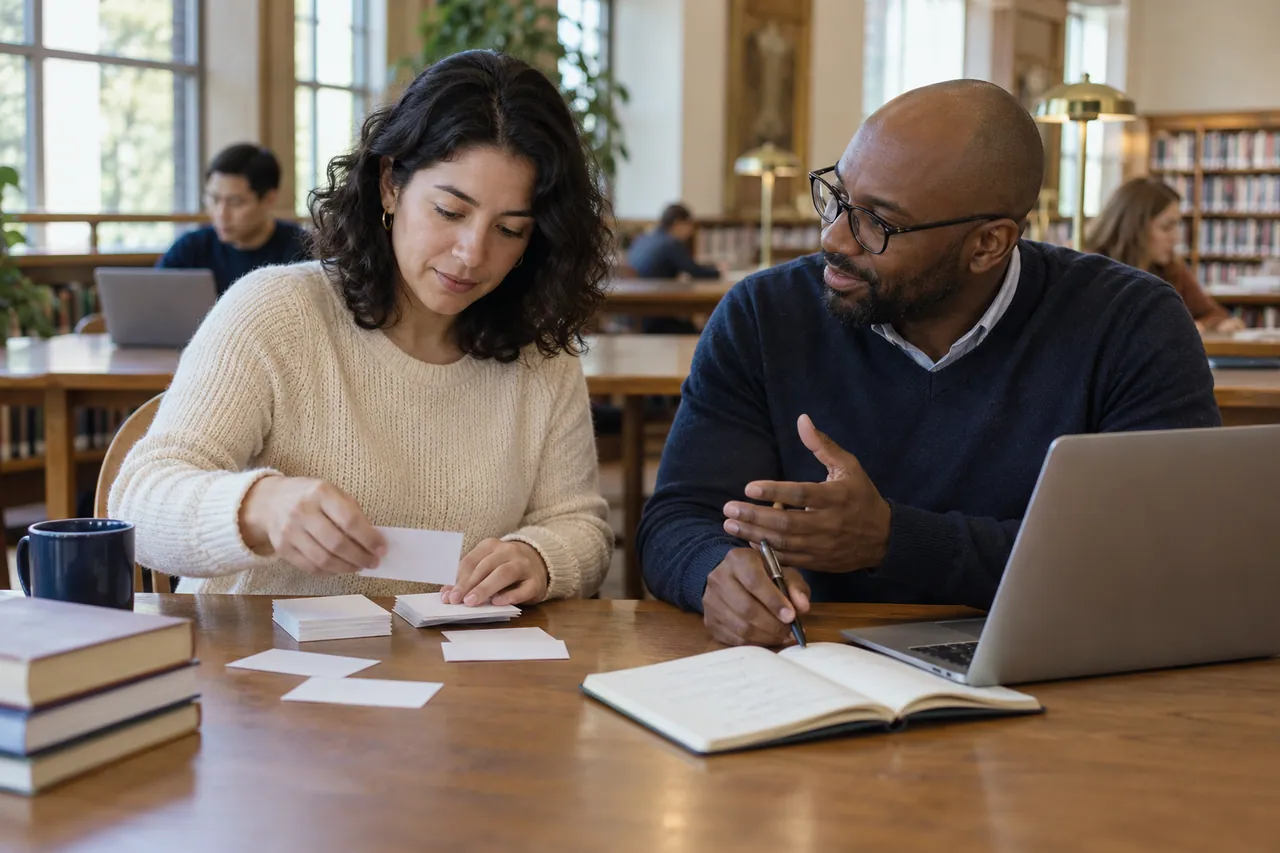
Illustrated content : Compare networks for your project · File - Two people organising study cards in a library
WORLD SOCIAL NETWORKS · 2026-10-11 · Fictional AI-generated scene
Illustrated content : Understand social media vocabulary · File - A team preparing an object photograph and reviewing a notebook
WORLD SOCIAL NETWORKS · 2026-10-11 · Fictional AI-generated scene
Illustrated content : Plan a publication · File - Two people reviewing and annotating a document together
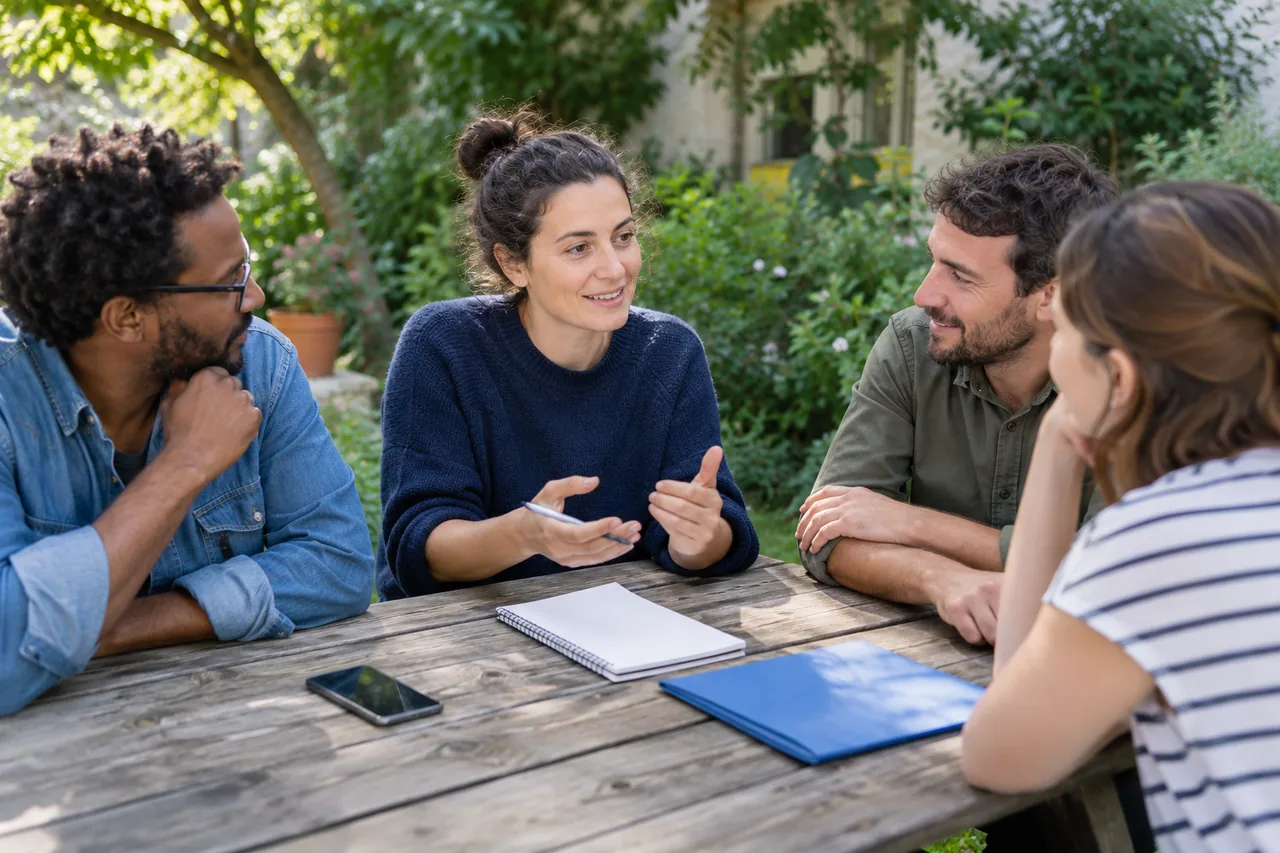
WORLD SOCIAL NETWORKS · 2026-10-11 · Fictional AI-generated scene
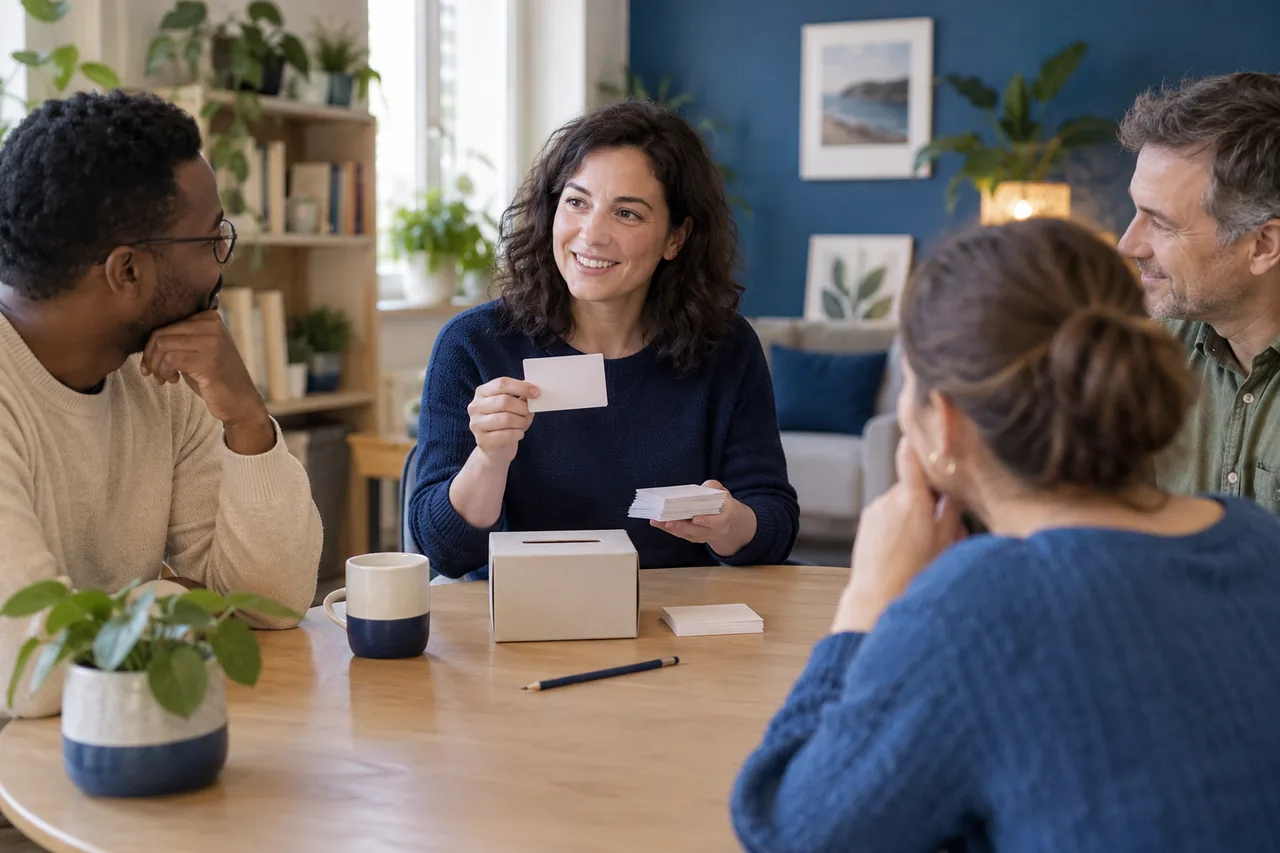
Illustrated content : Prepare a correction · File - Four people discussing how to organise their group
WORLD SOCIAL NETWORKS · 2026-10-11 · Fictional AI-generated scene
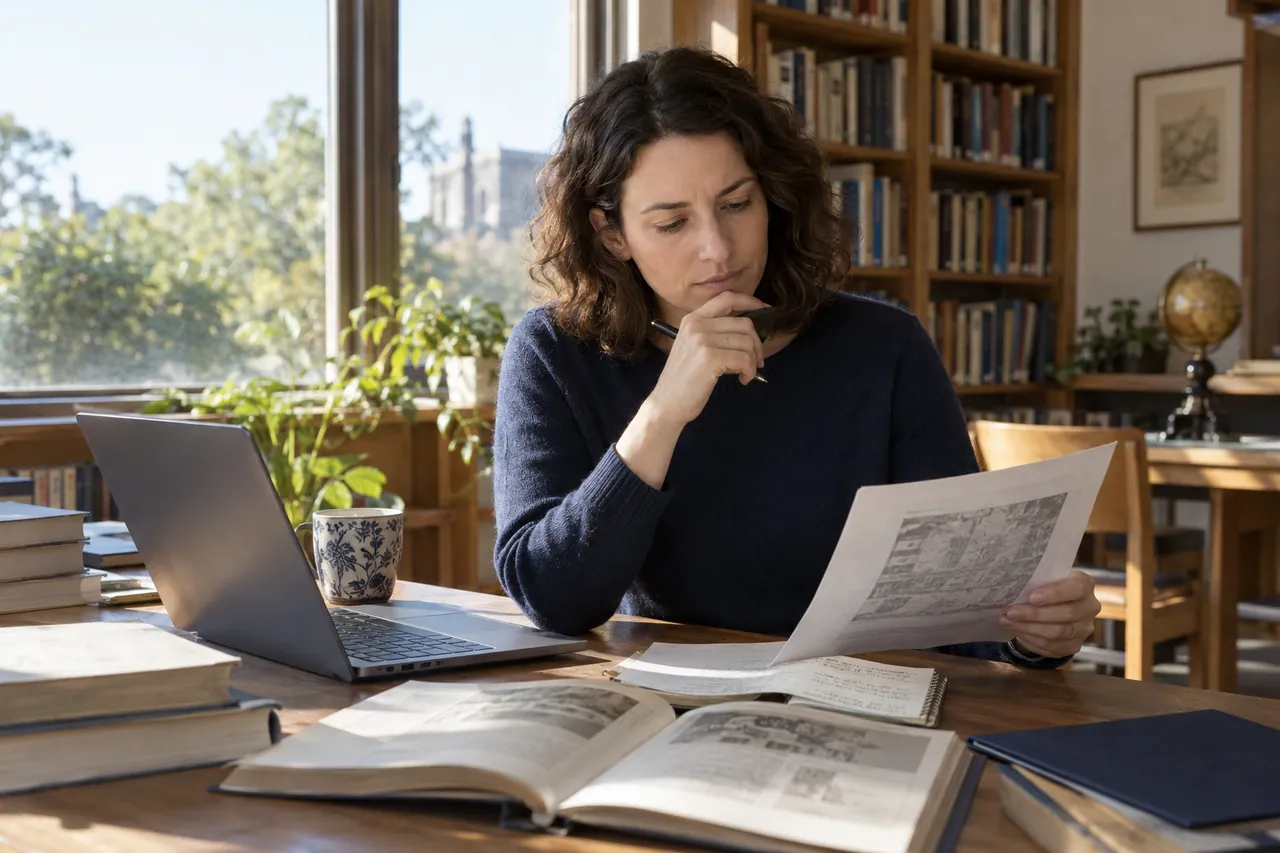
Illustrated content : Welcome and organise a community · File - A person comparing a printed document and references in a library
WORLD SOCIAL NETWORKS · 2026-10-11 · Fictional AI-generated scene
Illustrated content : Find official sources · File - Two people reviewing a document in a café
WORLD SOCIAL NETWORKS · 2026-10-05 · Fictional AI-generated scene
Illustrated content: There is a person behind every profile · File - Notebook, phone and tablet on a work table
WORLD SOCIAL NETWORKS · 2026-10-05 · Fictional AI-generated scene
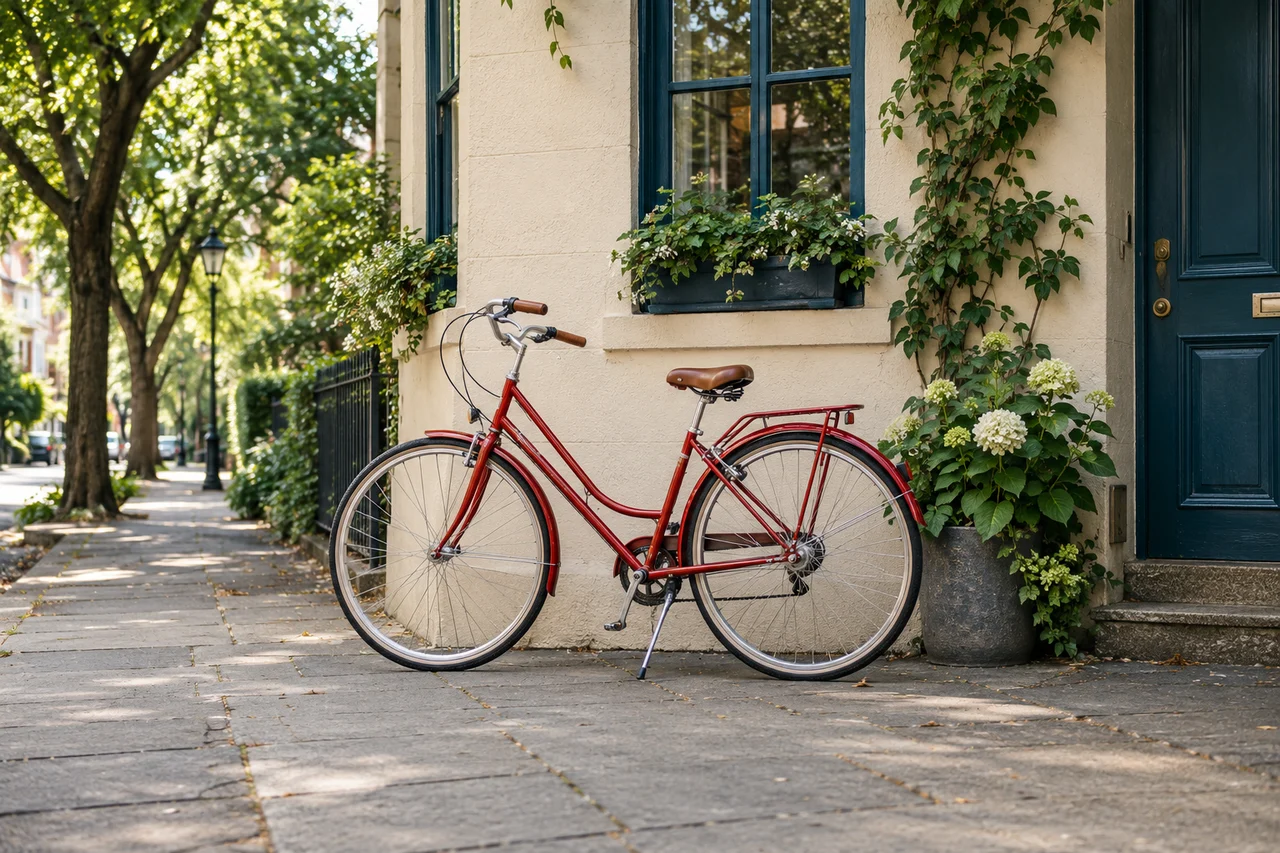
Illustrated content: Take control of social media notifications · File - Red bicycle parked beside a building
WORLD SOCIAL NETWORKS · 2026-10-05 · Fictional AI-generated scene
Illustrated content: Share sports activity without overexposing routes · File - Backlit laptop keyboard
WORLD SOCIAL NETWORKS · 2026-10-05 · Fictional AI-generated scene
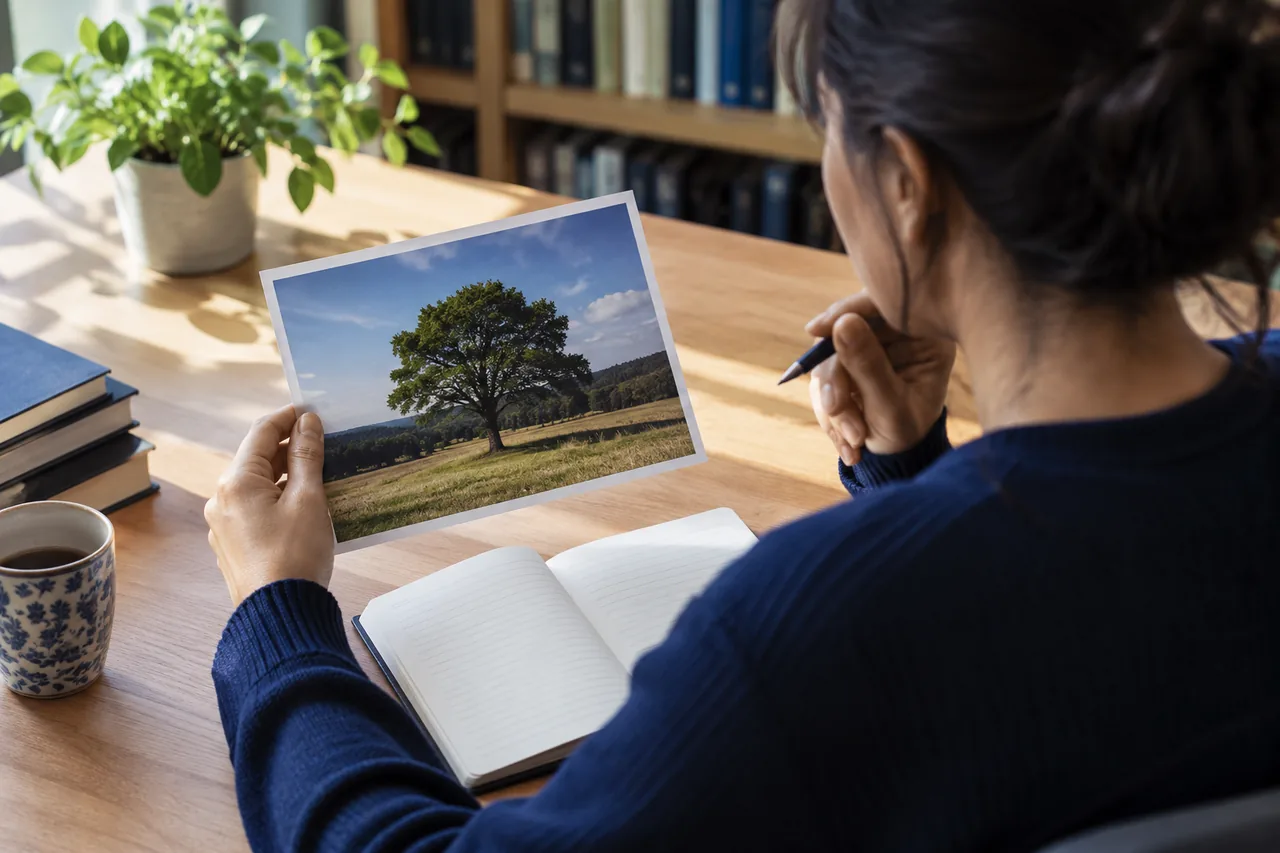
Illustrated content: Your privacy deserves a few settings · File - A person taking a photograph with a camera
WORLD SOCIAL NETWORKS · 2026-10-05 · Fictional AI-generated scene
Illustrated content: Share photos with care for the people in them · File - Laptop, phone and notebooks on a desk
WORLD SOCIAL NETWORKS · 2026-10-05 · Fictional AI-generated scene
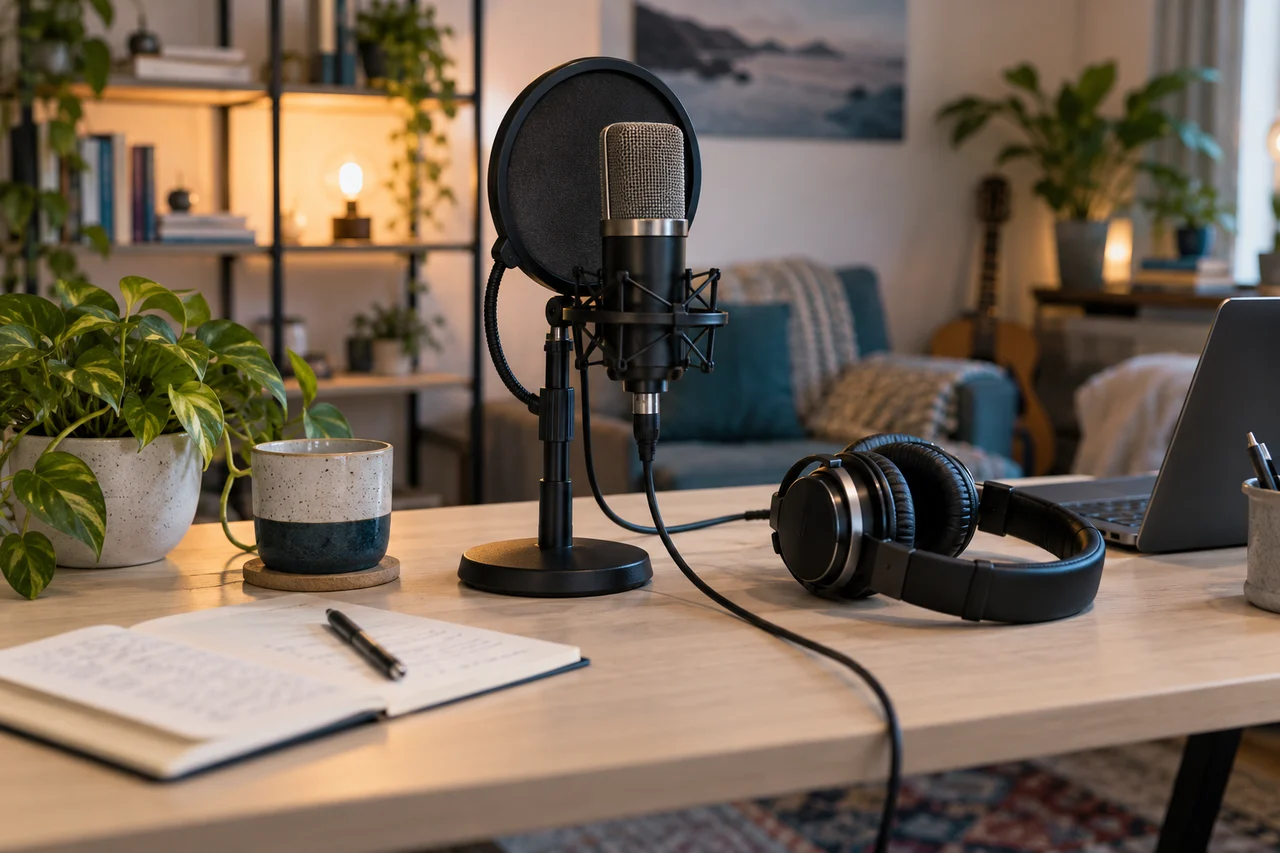
· File - Headphones, studio microphone and pop filter
WORLD SOCIAL NETWORKS · 2026-10-05 · Fictional AI-generated scene
Illustrated content: Caption a video and prepare its transcript · File - Books on a wooden table
WORLD SOCIAL NETWORKS · 2026-10-05 · Fictional AI-generated scene
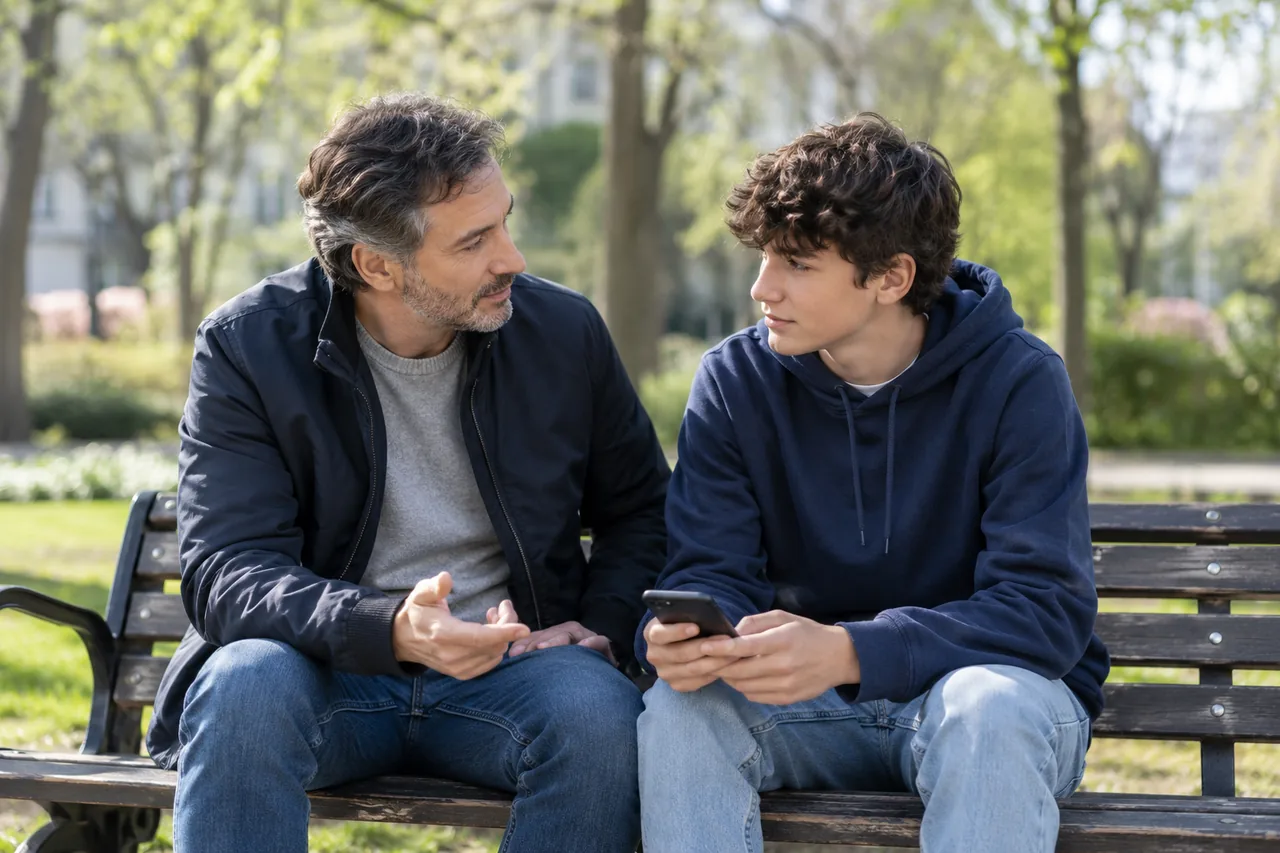
Illustrated content: Pause before you share · File - A parent and teenager talking in a park
WORLD SOCIAL NETWORKS · 2026-10-07 · Fictional AI-generated scene
Illustrated content: Support teenagers through conversation · File - A person planning digital choices in a library
WORLD SOCIAL NETWORKS · 2026-10-07 · Fictional AI-generated scene
Illustrated content: Choose a network that fits you · File - Phone, headphones and books suggesting different content choices
WORLD SOCIAL NETWORKS · 2026-10-07 · Fictional AI-generated scene
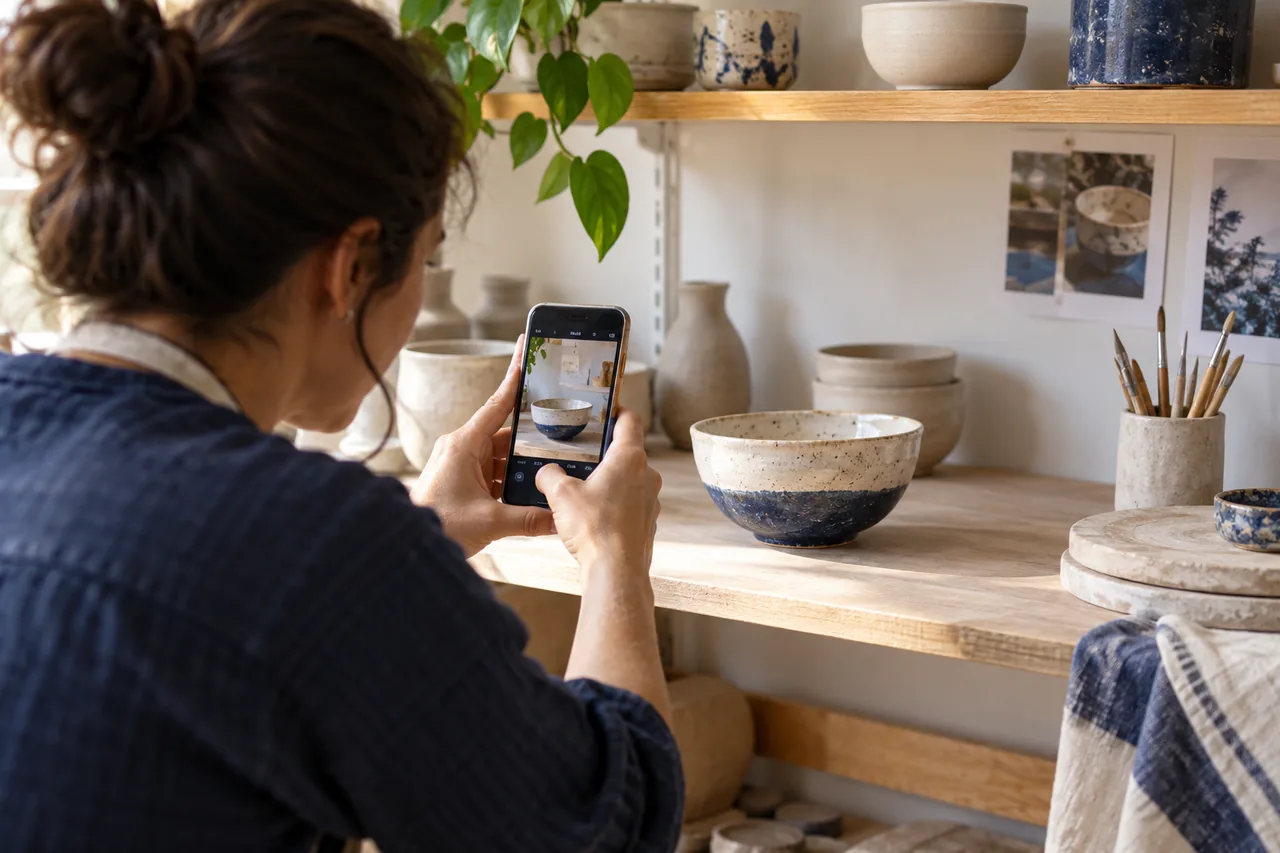
Illustrated content: Understand recommendation algorithms · File - A ceramic maker photographing a finished piece in a workshop
WORLD SOCIAL NETWORKS · 2026-10-07 · Fictional AI-generated scene
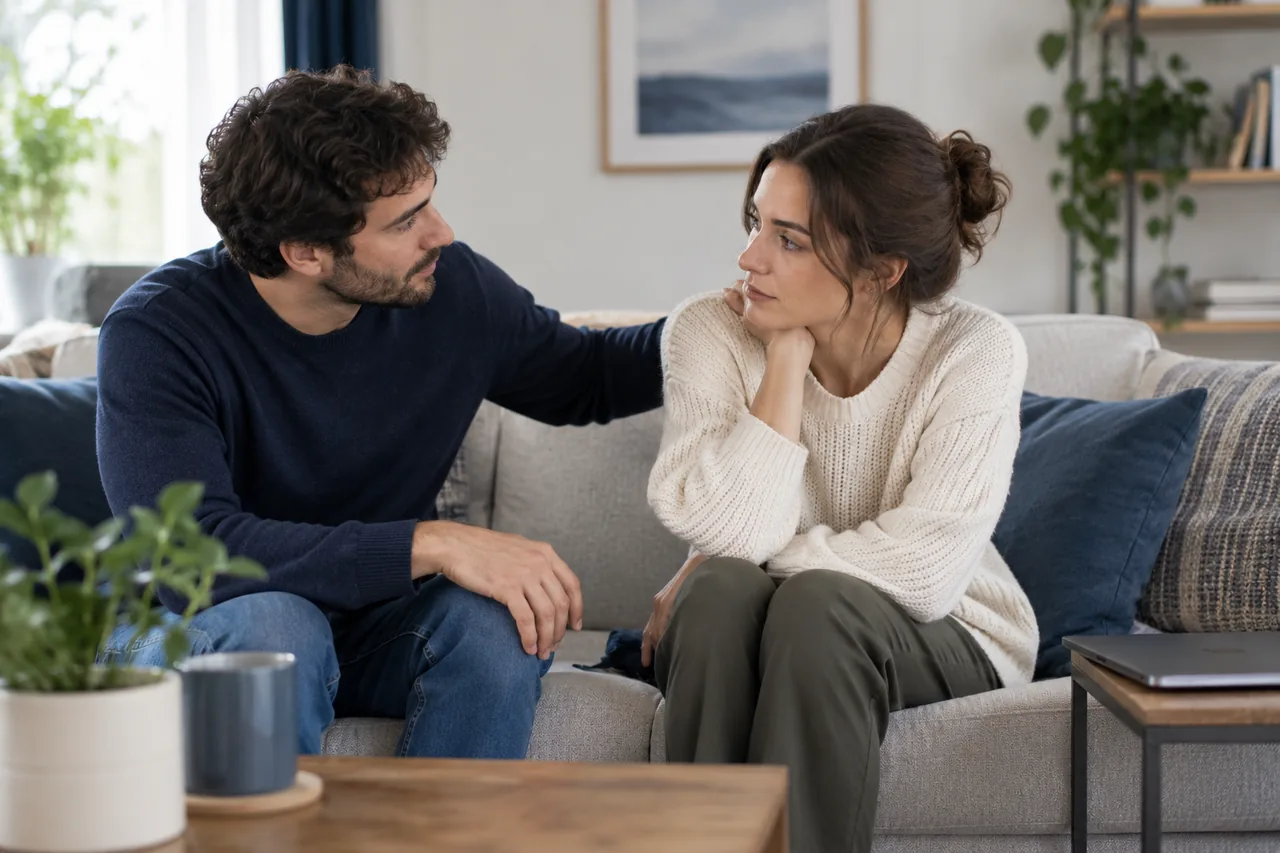
Illustrated content: Create content that contributes something · File - Two people talking in a calm supportive setting
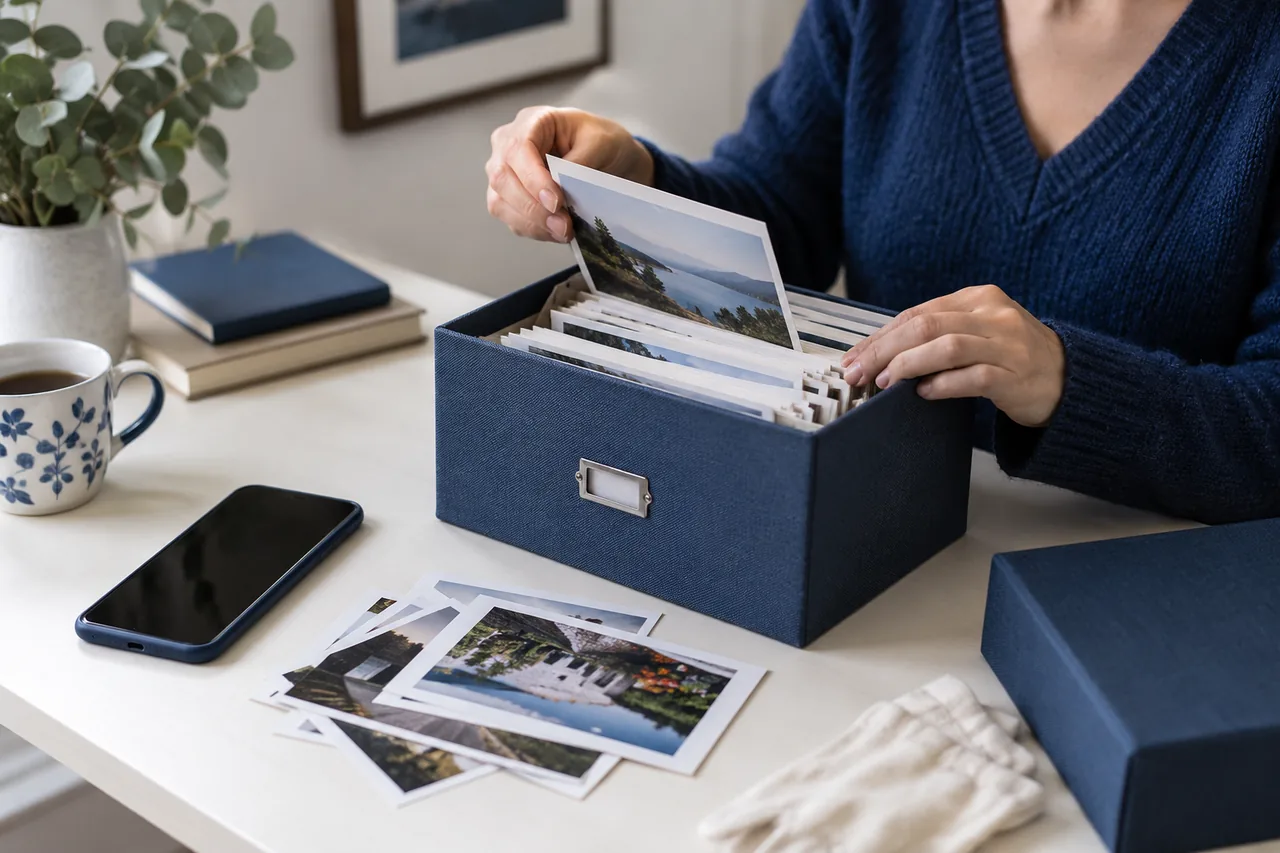
WORLD SOCIAL NETWORKS · 2026-10-07 · Fictional AI-generated scene
Illustrated content: Do not face cyberbullying alone · File - Photographic memories being sorted into an archive box
WORLD SOCIAL NETWORKS · 2026-10-07 · Fictional AI-generated scene
Illustrated content: How to manage your digital footprint · File - Three community organisers preparing their workflow
WORLD SOCIAL NETWORKS · 2026-10-07 · Fictional AI-generated scene
Illustrated content: Moderate an online community with a clear process · File - A riverside walk with the phone put away
WORLD SOCIAL NETWORKS · 2026-10-07 · Fictional AI-generated scene
Illustrated content: Less scrolling, more intention · File - A person confirming a request by telephone
WORLD SOCIAL NETWORKS · 2026-10-07 · Fictional AI-generated scene
Illustrated content: Recognise scams on social media · File - Two colleagues preparing content at an accessible table
WORLD SOCIAL NETWORKS · 2026-10-07 · Fictional AI-generated scene
Illustrated content: Make your social media content accessible · File - Closed laptop, security key and recovery envelope
WORLD SOCIAL NETWORKS · 2026-10-07 · Fictional AI-generated scene
Illustrated content: Recover a compromised social media account · File - A document being stored in a protective sleeve
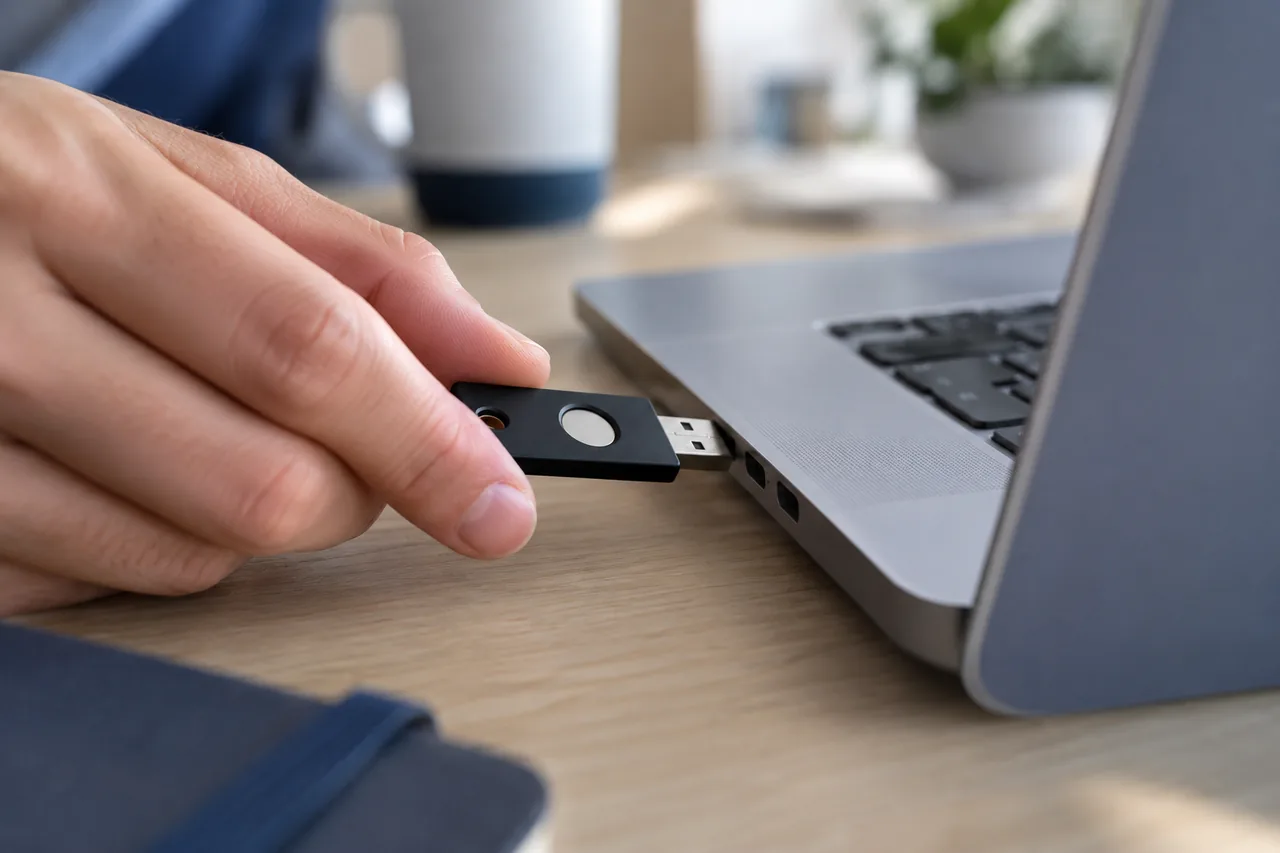
WORLD SOCIAL NETWORKS · 2026-10-07 · Fictional AI-generated scene
Illustrated content: Report harmful content and preserve evidence · File - A security key being connected to a computer
WORLD SOCIAL NETWORKS · 2026-10-07 · Fictional AI-generated scene
Illustrated content: How to secure your social media account · File - Cards and a calendar being used to plan publications
WORLD SOCIAL NETWORKS · 2026-10-07 · Fictional AI-generated scene
Illustrated content: Plan a presence across social networks · File - Two people checking a request in a direct conversation
WORLD SOCIAL NETWORKS · 2026-10-07 · Fictional AI-generated scene
Illustrated content: Spot fake profiles and respond to impersonation · File - Separate workstations in a shared space
WORLD SOCIAL NETWORKS · 2026-10-07 · Fictional AI-generated scene
Illustrated content: Understand the Fediverse and federated networks · File - A person joining a small discussion group in a library
WORLD SOCIAL NETWORKS · 2026-10-07 · Fictional AI-generated scene
Illustrated content: How to choose and join an online community · File - A volunteer team planning an activity in a courtyard
WORLD SOCIAL NETWORKS · 2026-10-07 · Fictional AI-generated scene
Illustrated content: Organise a messaging group that people can use · File - A curtain being adjusted in a workspace
WORLD SOCIAL NETWORKS · 2026-10-07 · Fictional AI-generated scene
Illustrated content: Public, private or unlisted: who can see your content? · File - A person examining a photograph before describing it
WORLD SOCIAL NETWORKS · 2026-10-07 · Fictional AI-generated scene
Illustrated content: Write useful image alternative text · File - A watercolor creation and its preparation materials
WORLD SOCIAL NETWORKS · 2026-10-07 · Fictional AI-generated scene
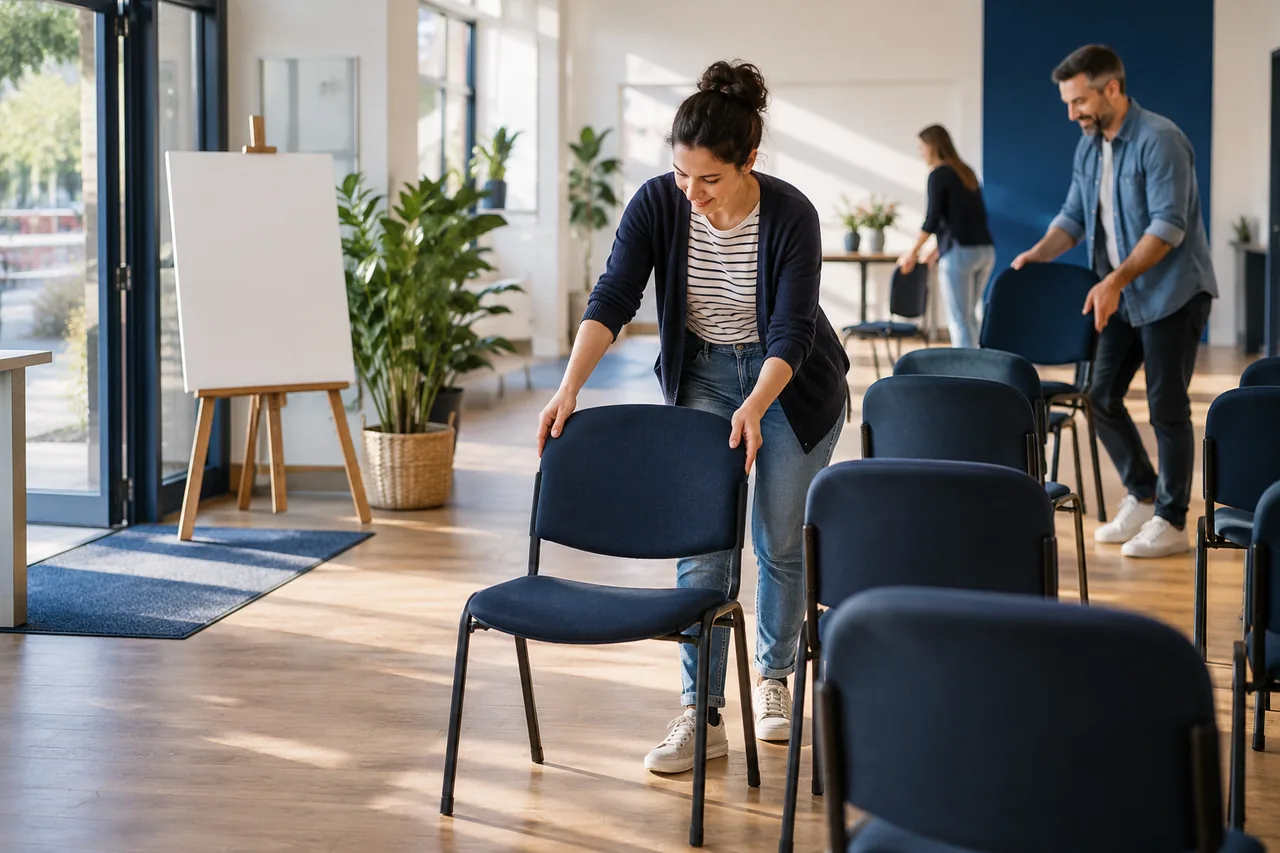
Illustrated content: Choose a licence and credit creative work · File - A room being prepared for a community workshop
WORLD SOCIAL NETWORKS · 2026-10-07 · Fictional AI-generated scene
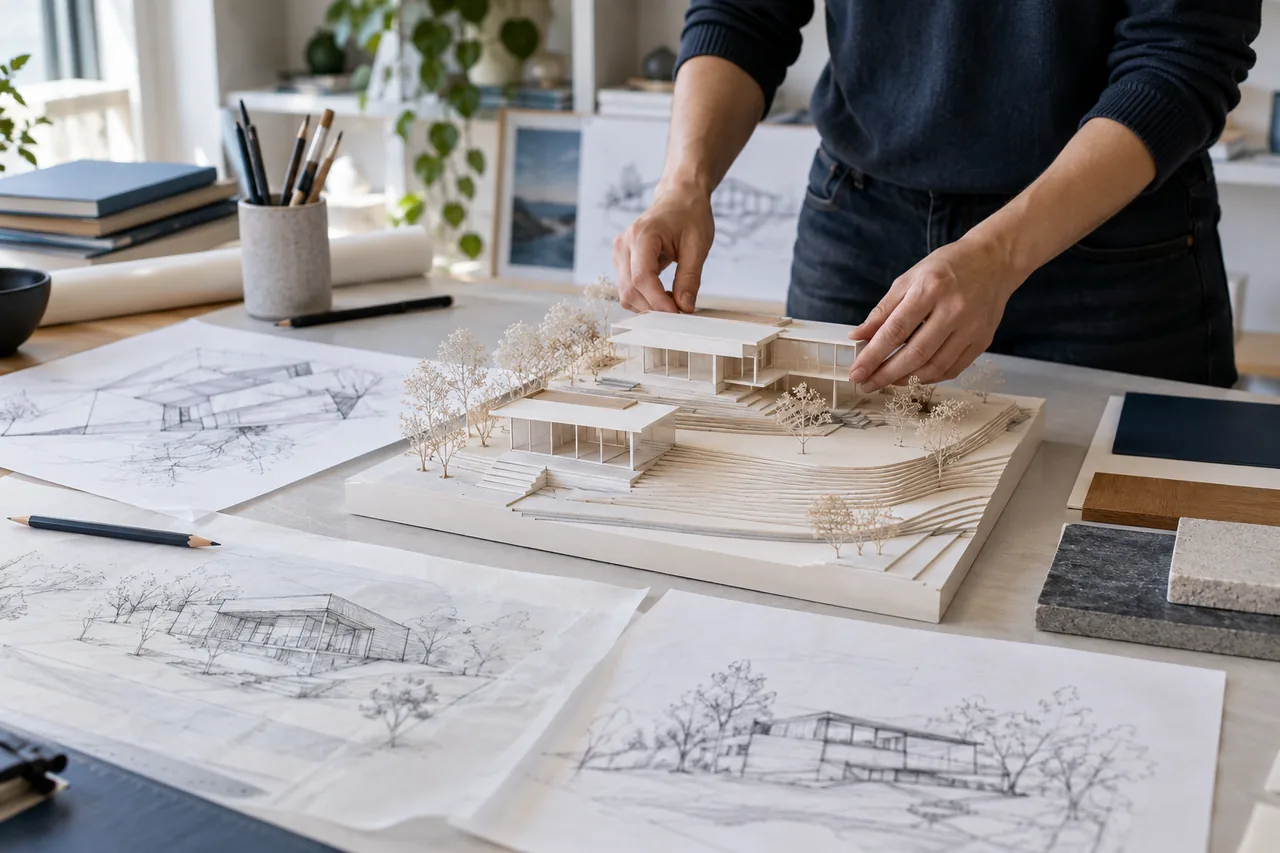
Illustrated content: Announce an event and simplify registration · File - A model and sketches documenting a project's stages
WORLD SOCIAL NETWORKS · 2026-10-07 · Fictional AI-generated scene
Illustrated content: Document a project in your portfolio · File - Cards and a phone suggesting a profile's contact points
WORLD SOCIAL NETWORKS · 2026-10-07 · Fictional AI-generated scene
Illustrated content: Organise links in your profile and bio · File - Two colleagues organising separate responsibilities
WORLD SOCIAL NETWORKS · 2026-10-07 · Fictional AI-generated scene
Illustrated content: Manage a team account with permissions · File - Two volunteers handing over an organisational folder
WORLD SOCIAL NETWORKS · 2026-10-07 · Fictional AI-generated scene
Illustrated content: Prepare an organisational account handover · File - An association team reviewing a working document
WORLD SOCIAL NETWORKS · 2026-10-07 · Fictional AI-generated scene
Illustrated content: Write an editorial charter for your organisation · File - Paper charts and a calculator for examining measurements
WORLD SOCIAL NETWORKS · 2026-10-07 · Fictional AI-generated scene
Illustrated content: Understand metrics without mixing indicators · File - A chart being explained with its context document
WORLD SOCIAL NETWORKS · 2026-10-07 · Fictional AI-generated scene
Illustrated content: Publish a number or chart with context · File - Participants preparing responses during a workshop
WORLD SOCIAL NETWORKS · 2026-10-07 · Fictional AI-generated scene
Illustrated content: Prepare a useful community questionnaire · File - Reading materials gathered for regular monitoring
WORLD SOCIAL NETWORKS · 2026-10-07 · Fictional AI-generated scene
Illustrated content: Organise monitoring with RSS feeds · File - Folders being organised by topic on a shelf
WORLD SOCIAL NETWORKS · 2026-10-07 · Fictional AI-generated scene
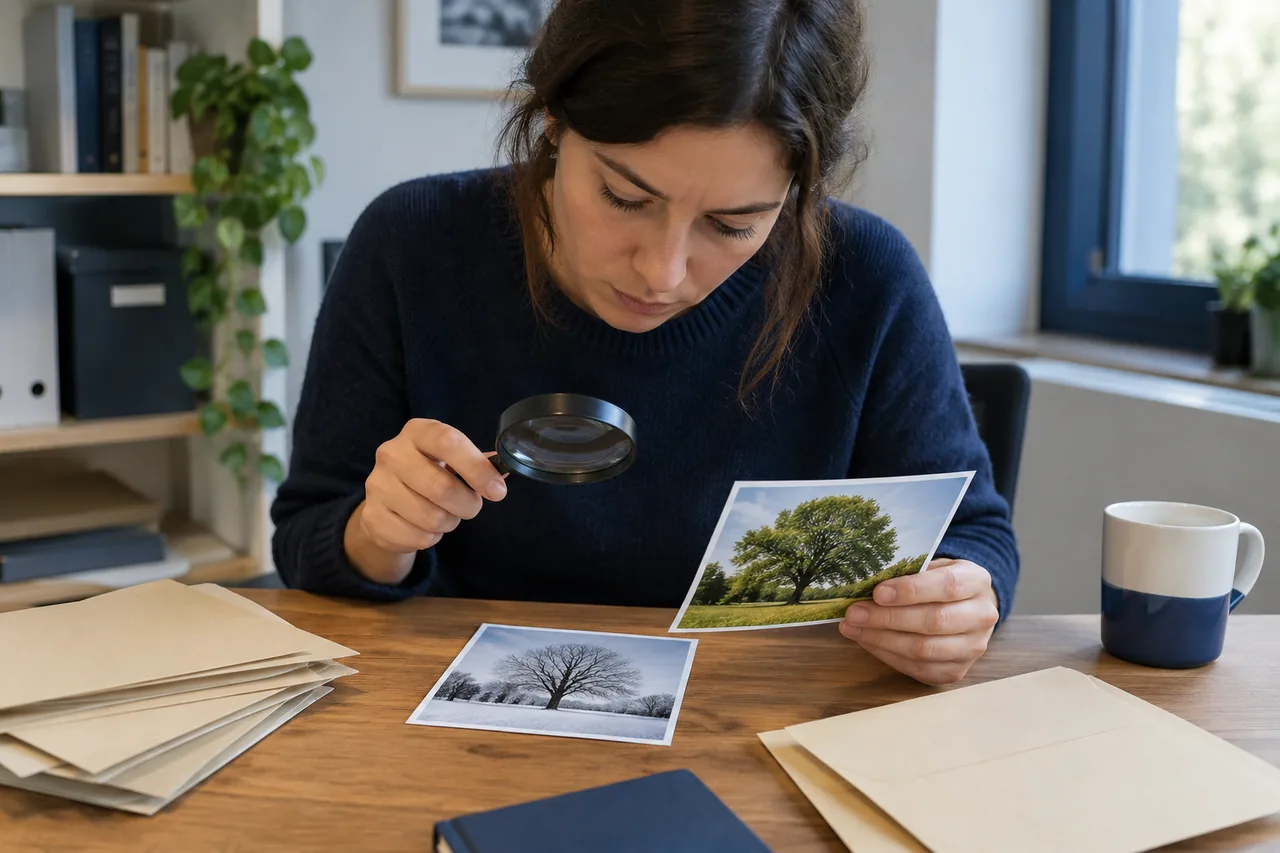
Illustrated content: Choose lists and topic feeds · File - Two photographic prints being compared during verification
WORLD SOCIAL NETWORKS · 2026-10-07 · Fictional AI-generated scene
Illustrated content: Check the origin of a viral image · File - An external drive and archive boxes arranged on a shelf
WORLD SOCIAL NETWORKS · 2026-10-07 · Fictional AI-generated scene
Illustrated content: Organise backups and social content · File - Two people comparing versions of a text
WORLD SOCIAL NETWORKS · 2026-10-07 · Fictional AI-generated scene
Illustrated content: Publish in multiple languages with proper review · File - A question being asked during a community workshop
WORLD SOCIAL NETWORKS · 2026-10-07 · Fictional AI-generated scene
Illustrated content: Build a FAQ that answers real questions · File - A person preparing the structure of a publication
WORLD SOCIAL NETWORKS · 2026-10-07 · Fictional AI-generated scene
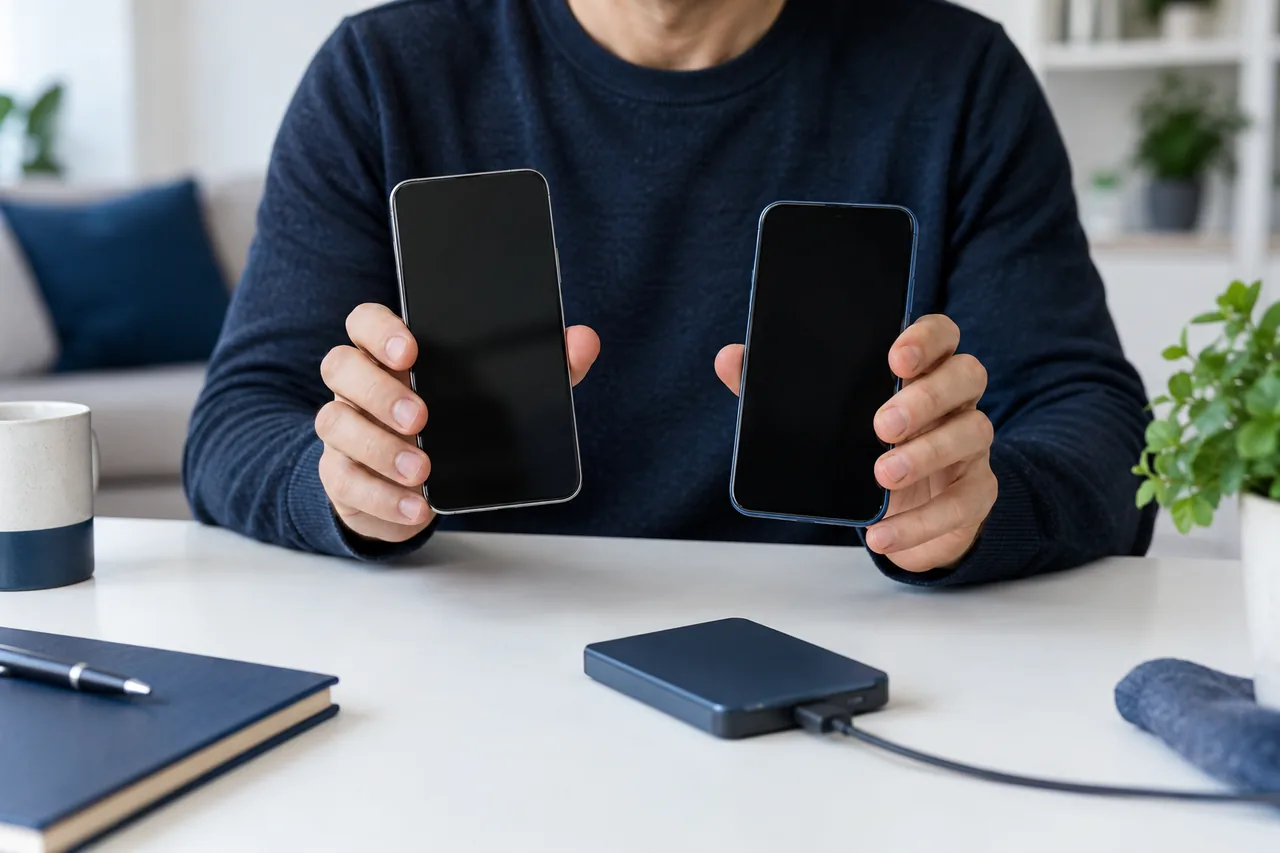
Illustrated content: Prepare a newsletter with a clear editorial plan · File - Two phones and a backup device before changing devices
WORLD SOCIAL NETWORKS · 2026-10-07 · Fictional AI-generated scene
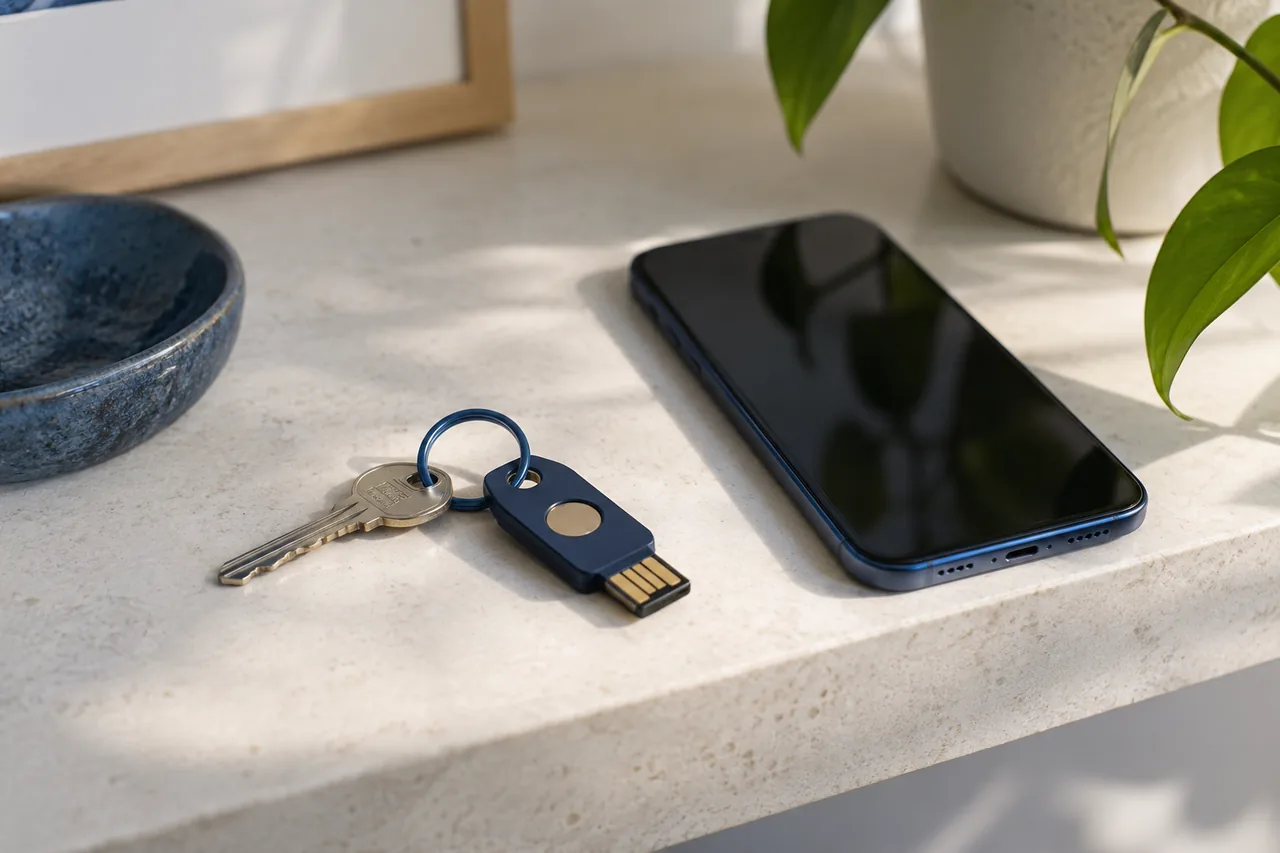
Illustrated content: Back up your messages before changing phones · File - A security key and phone for preparing account access
WORLD SOCIAL NETWORKS · 2026-10-07 · Fictional AI-generated scene
Illustrated content: Understand passkeys and prepare account recovery · File - A person comparing documents in a reading room
WORLD SOCIAL NETWORKS · 2026-10-07 · Fictional AI-generated scene
Illustrated content: Check research shared on social media · File - People talking around a table in a cafe
WORLD SOCIAL NETWORKS · 2026-10-07 · Fictional AI-generated scene
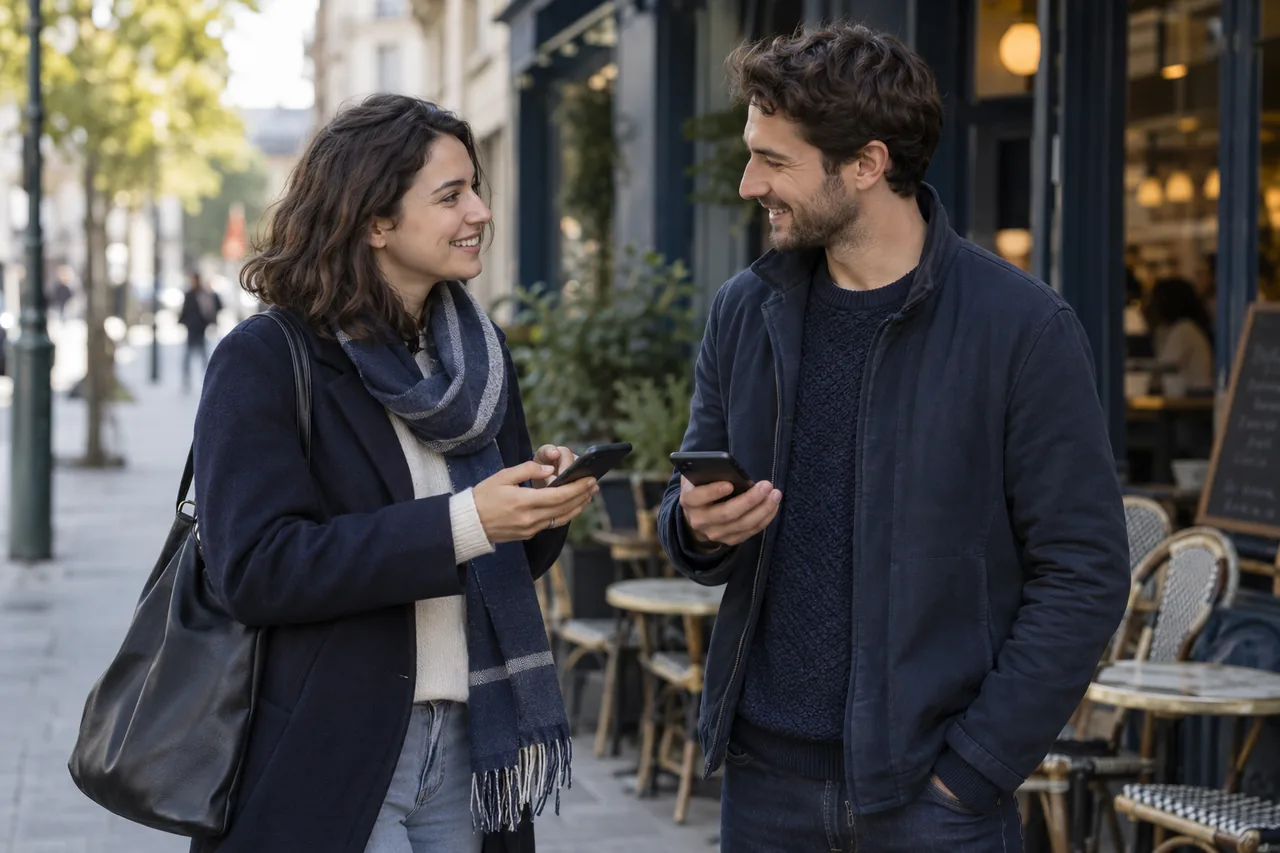
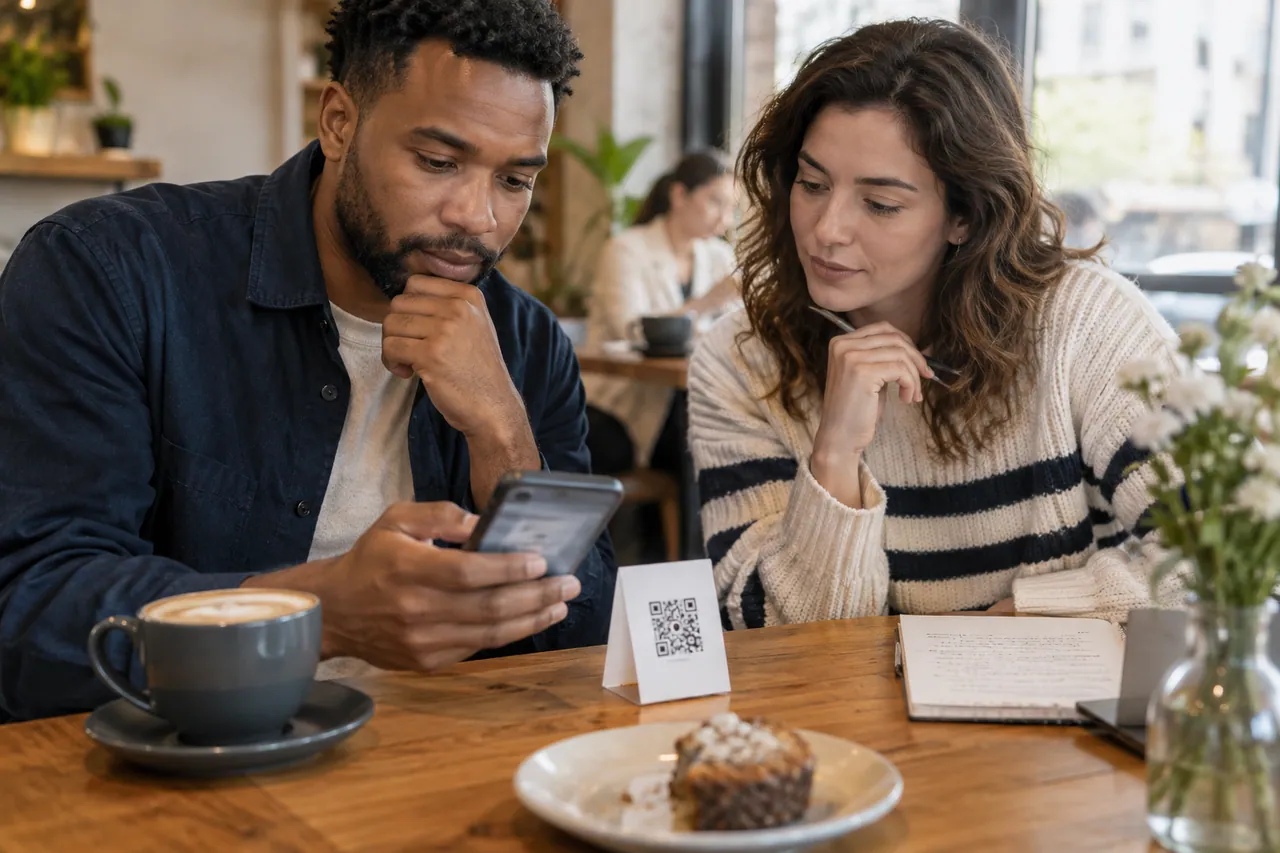
Illustrated content: Home · File - Two people check a phone beside a card with a QR code.
WORLD SOCIAL NETWORKS · 2026-10-13 · AI-generated photograph · Fictional scene.
Check a link or QR code before continuing · WebP - A team hands over a community folder around a table.
WORLD SOCIAL NETWORKS · 2026-10-13 · AI-generated photograph · Fictional scene.
Close a community with a clear transition plan · WebP - Two people review and annotate a document beside a computer.
WORLD SOCIAL NETWORKS · 2026-10-13 · AI-generated photograph · Fictional scene.
Correct a post and inform its readers · WebP - Colleagues take notes during a meeting.
WORLD SOCIAL NETWORKS · 2026-10-13 · AI-generated photograph · Fictional scene.
Preserve decisions made in a conversation · WebP - A person reviews a computer and phone in a home office.
WORLD SOCIAL NETWORKS · 2026-10-13 · AI-generated photograph · Fictional scene.
Review apps connected to your accounts · WebP - Two people organise a calendar with photographs and a computer.
WORLD SOCIAL NETWORKS · 2026-10-13 · AI-generated photograph · Fictional scene.
Schedule posts with useful checks · WebP - A person writes with a notebook and computer in a library.
WORLD SOCIAL NETWORKS · 2026-10-13 · AI-generated photograph · Fictional scene.
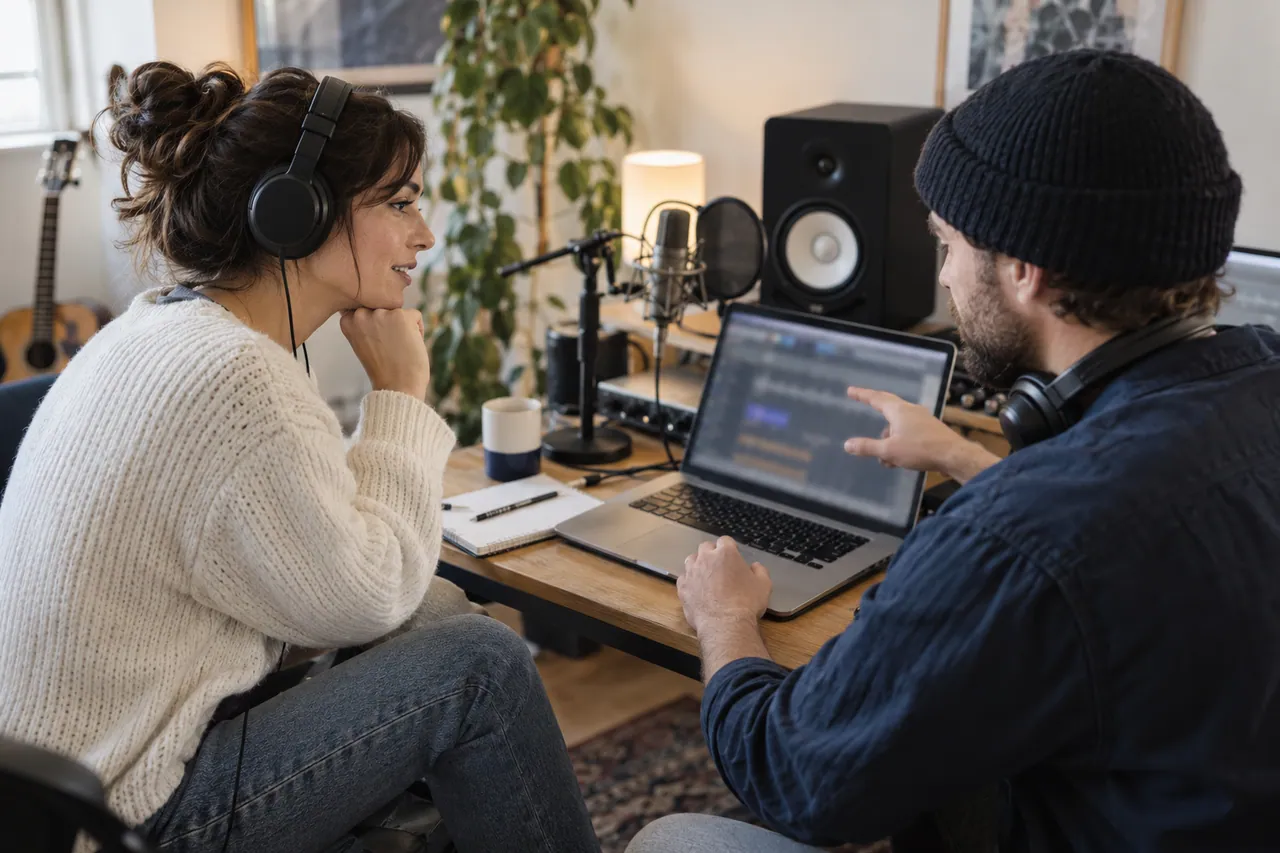
Articles, newsletters or posts: choose a reading journey · WebP - Two musicians prepare a recording with a microphone and headphones.
WORLD SOCIAL NETWORKS · 2026-10-13 · AI-generated photograph · Fictional scene.
Share audio: listening, a music release or member content · WebP - A photographer reviews prints beside her camera and computer.
WORLD SOCIAL NETWORKS · 2026-10-13 · AI-generated photograph · Fictional scene.
Which portfolio suits your work: photography, video, design or code? · WebP - A person prepares a video edit beside a camera and external drive.
WORLD SOCIAL NETWORKS · 2026-10-13 · AI-generated photograph · Fictional scene.
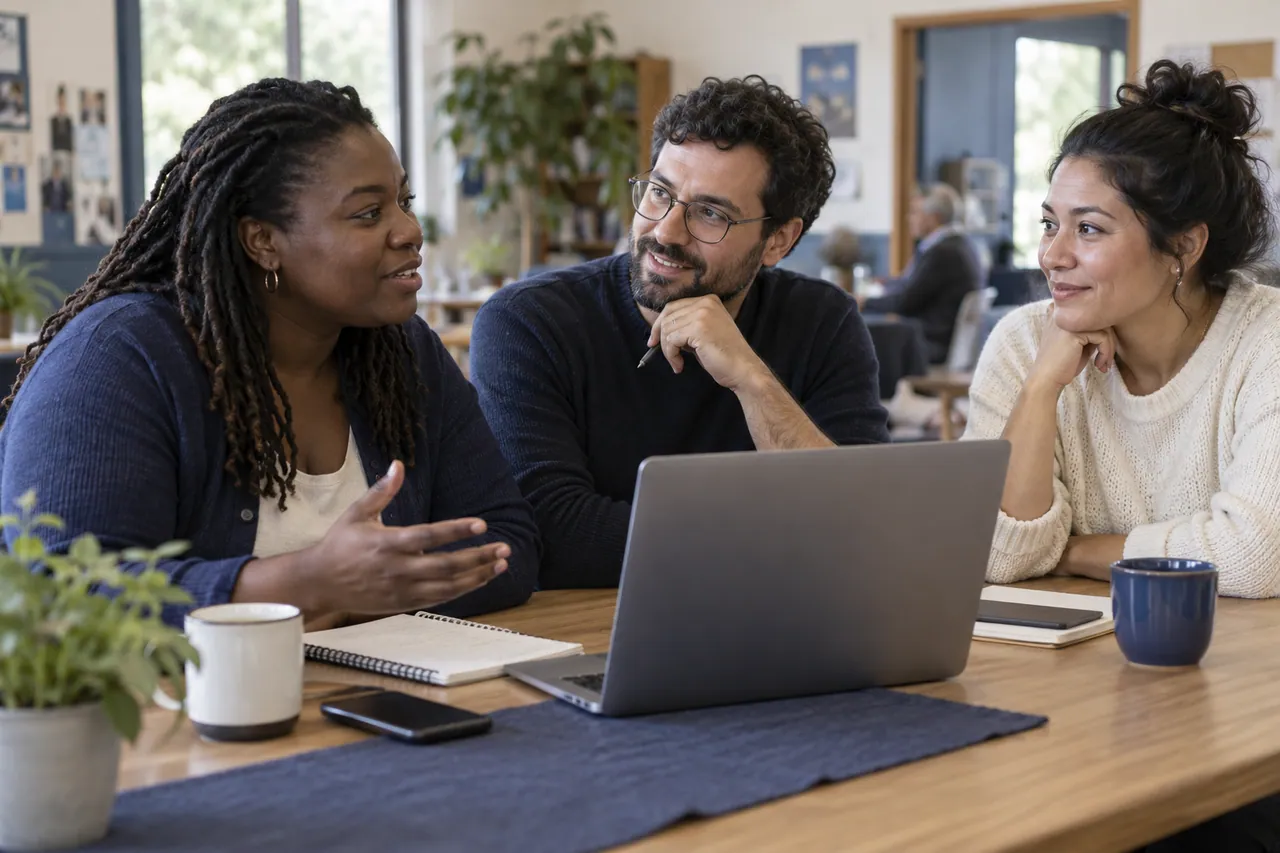
Distribute or host video: six approaches · WebP - Three people organise their community with a notebook and computer.
WORLD SOCIAL NETWORKS · 2026-10-13 · AI-generated photograph · Fictional scene.
Forum, chat or room: organise a community · WebP - Two people check their phones at a café table.
WORLD SOCIAL NETWORKS · 2026-10-13 · AI-generated photograph · Fictional scene.
Signal, WhatsApp or Telegram: compare messaging privacy · WebP - Neighbours prepare an event with a calendar and documents.
WORLD SOCIAL NETWORKS · 2026-10-13 · AI-generated photograph · Fictional scene.
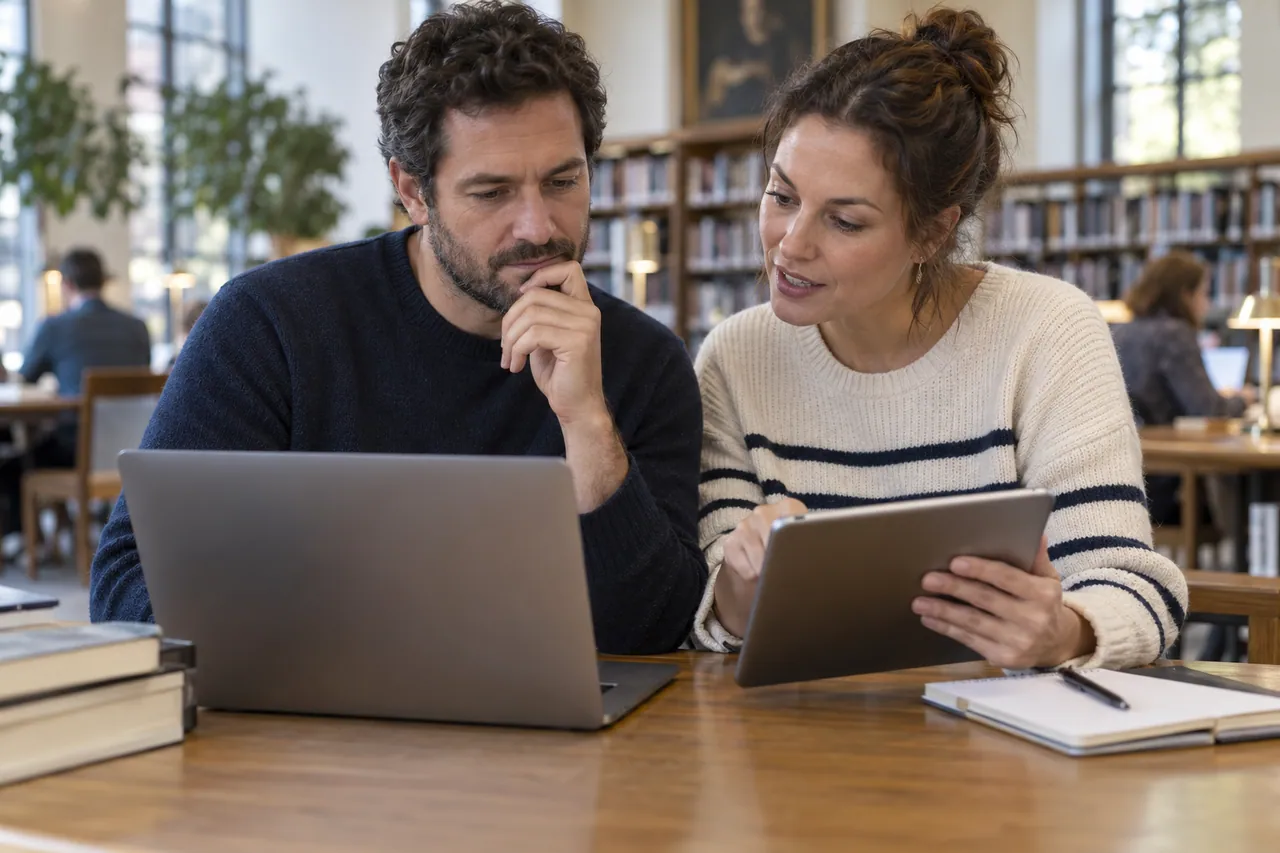
Neighbourhoods, events and local groups: choose a space · WebP - Two people work with a computer and tablet in a library.
WORLD SOCIAL NETWORKS · 2026-10-13 · AI-generated photograph · Fictional scene.
Open networks: protocols, providers and uses · WebP - Two developers compare a paper sketch and their computer.
WORLD SOCIAL NETWORKS · 2026-10-13 · AI-generated photograph · Fictional scene.
Programming question or bug tracking: choose the right space · WebP - A reader organises books and notes beside a tablet.
WORLD SOCIAL NETWORKS · 2026-10-13 · AI-generated photograph · Fictional scene.
Reading and film diaries: organise lists and reviews · WebP - Two researchers examine printed charts with a notebook and computer.
WORLD SOCIAL NETWORKS · 2026-10-13 · AI-generated photograph · Fictional scene.
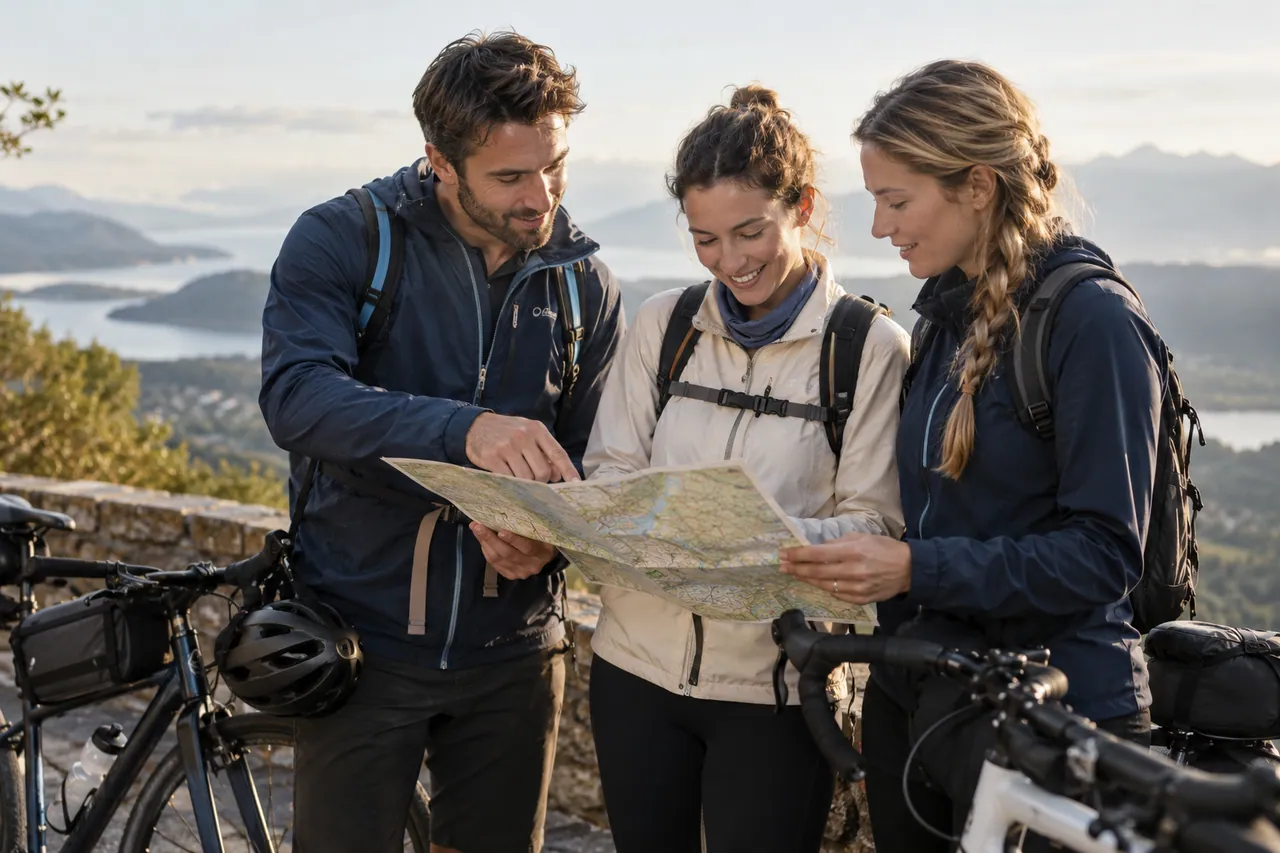
Share research: publication, code and explanation · WebP - Three friends plan a cycle outing using a map.
WORLD SOCIAL NETWORKS · 2026-10-13 · AI-generated photograph · Fictional scene.
Sports activity or group outing: separate a route from organisation · WebP


















































Logos and fonts
Brands and logos belong to their owners and identify the platforms. Their presence does not imply affiliation. Locally hosted fonts include their licences.
Documentary photograph
Historical images illustrate a context and do not establish a service’s present condition.
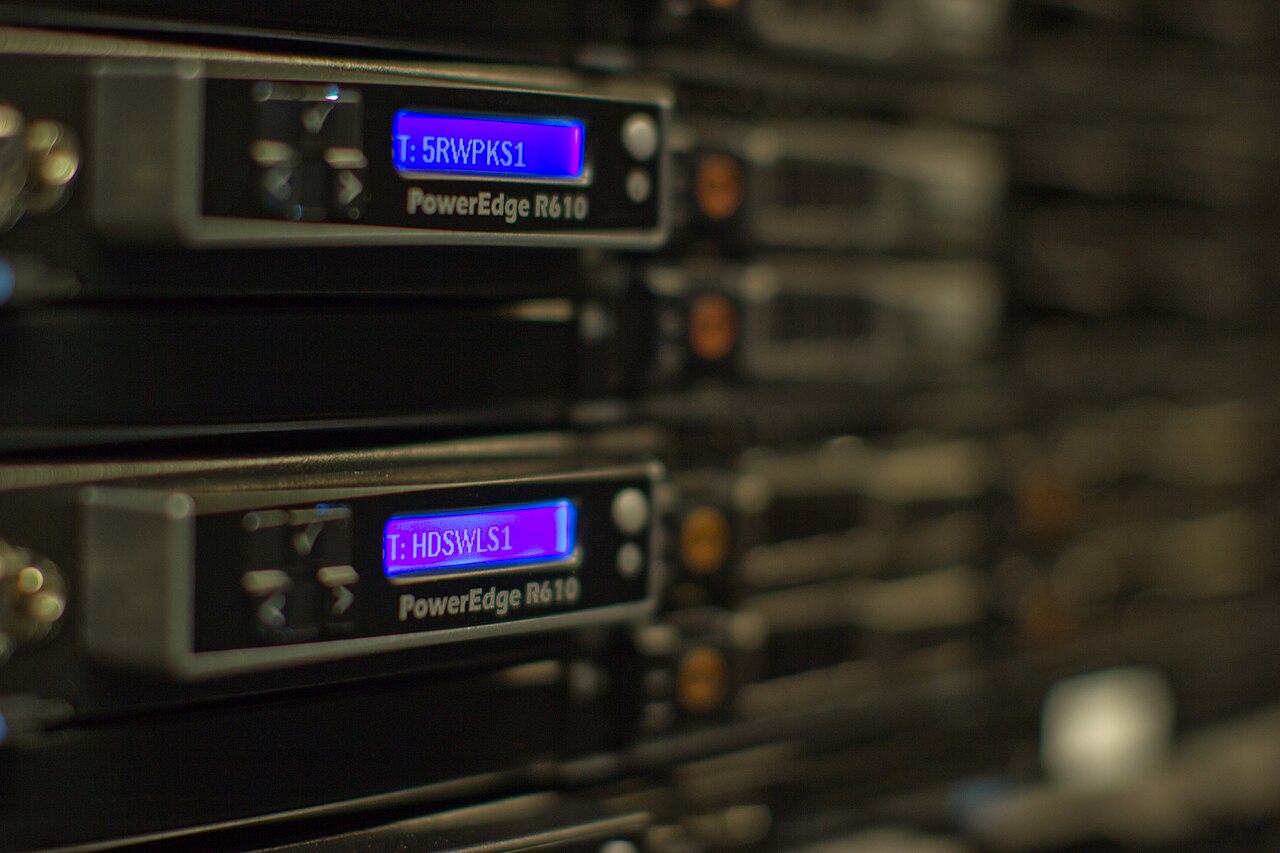
Real infrastructure: Wikimedia Foundation servers photographed on 16 July 2012. This historical image shows physical equipment; it does not depict a Mastodon server.
Real photograph, resized version · Victor Grigas · Source · CC BY-SA 3.0

Read more : Server, application and protocol: three separate choices